
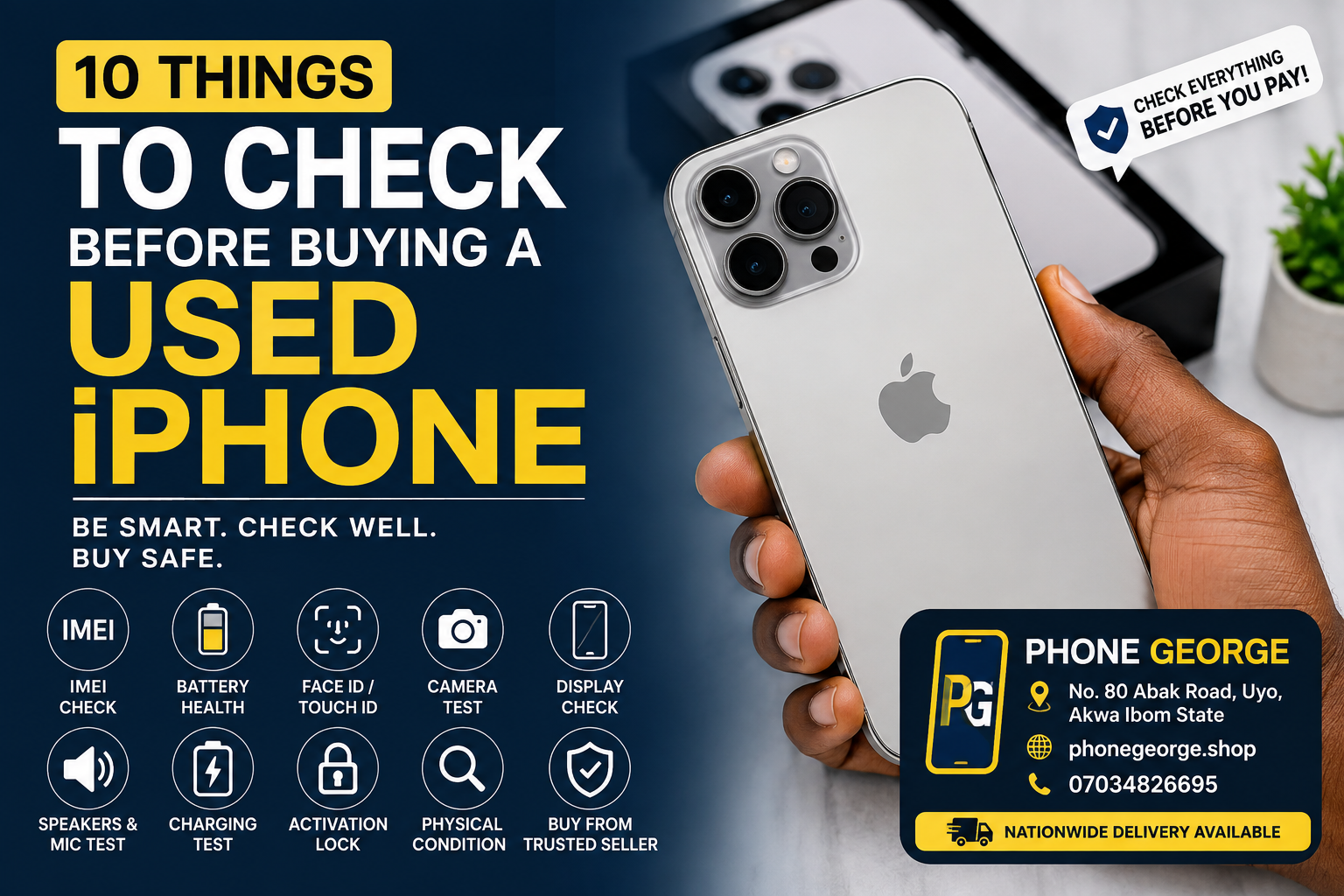
# 10 Things to Check Before Buying a Used iPhone
Buying a used iPhone can be a great way to get a premium smartphone at a more affordable price. However, not every used iPhone is worth buying.
Before paying for a used iPhone, there are several important things you should check to make sure you are getting a genuine and properly functioning device.
## 1. Check the IMEI Number
The IMEI number is one of the most important things to check when buying a used iPhone.
Make sure the IMEI shown on the phone matches the information on the device and its packaging where applicable.
## 2. Check the Battery Health
Battery health can tell you a lot about the condition of a used iPhone.
Go to Settings, Battery, and Battery Health to check the maximum capacity. A phone with good battery health will generally provide better everyday performance.
## 3. Test Face ID or Touch ID
Security features should always be tested before purchasing.
Depending on the iPhone model, check that Face ID or Touch ID works properly. These features are important for unlocking the phone and authenticating payments and applications.
## 4. Test the Cameras
Open the camera and test both the front and rear cameras.
Take pictures and record videos to make sure the cameras focus correctly and there are no unusual spots, blurry areas, or other issues.
## 5. Test the Display
Carefully inspect the screen for cracks, dead pixels, lines, unusual discoloration, or touch problems.
Move your finger across the entire display to make sure the touchscreen responds properly everywhere.
## 6. Check the Speakers and Microphone
Play music or a video to test the speakers.
You should also make a test call or record a voice note to make sure the microphone is working properly.
## 7. Test Charging
Connect the iPhone to a compatible charger and make sure it charges correctly.
If possible, test the charging port carefully to ensure it is not loose or damaged.
## 8. Check for Activation Lock
This is extremely important.
Make sure the previous owner's Apple Account has been completely removed from the device. You should never buy a used iPhone that is still linked to someone else's account.
## 9. Check the Physical Condition
Inspect the body of the phone carefully.
Look for signs of heavy impact, water damage, damaged buttons, loose parts, or a badly damaged frame.
A phone can look attractive in pictures but have hidden physical issues, so inspect it properly before payment.
## 10. Buy From a Trusted Seller
Perhaps the most important advice is to buy from a reputable phone dealer.
A trusted seller can help you identify the condition of the phone, answer your questions, and provide a safer buying experience.
## Shop Quality Phones at Phone George
Looking for a quality iPhone or other smartphone in Nigeria?
Phone George offers a range of smartphones, laptops, gadgets, and accessories for customers looking for quality technology at competitive prices.
Visit our store at:
📍 **No. 80 Abak Road, Uyo, Akwa Ibom State**
🌐 **Shop online:** phonegeorge.shop
📞 **07034826695**
🚚 **Nationwide delivery available**
Before buying a used iPhone, don't just look at the price. Check the phone carefully and make sure you are getting genuine value for your money.
**Phone George. Your trusted destination for phones and gadgets.**
Cart

Nigeria's trusted store for genuine phones, gadgets and accessories.
Quick Links
Customer Care
Contact Info

© 2022 Phone George Made With By 3Sixty Ace .